How to create a listing
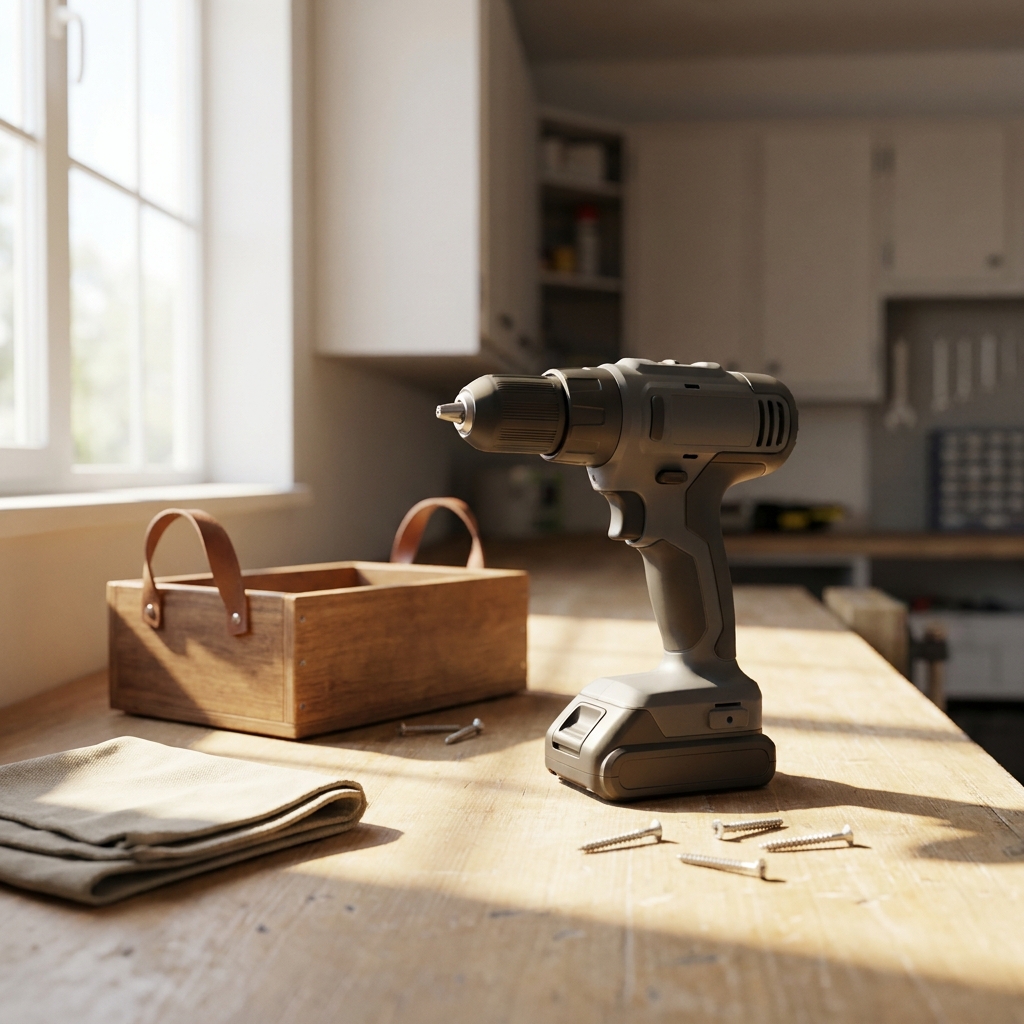
In the app, add clear photos from several angles, a descriptive title, the item's condition, and anything a renter should know, like included accessories or usage notes.
List Your Items
Benefits
Snap a few photos of something you rarely use, set your price, and let neighbors rent it when they need it.
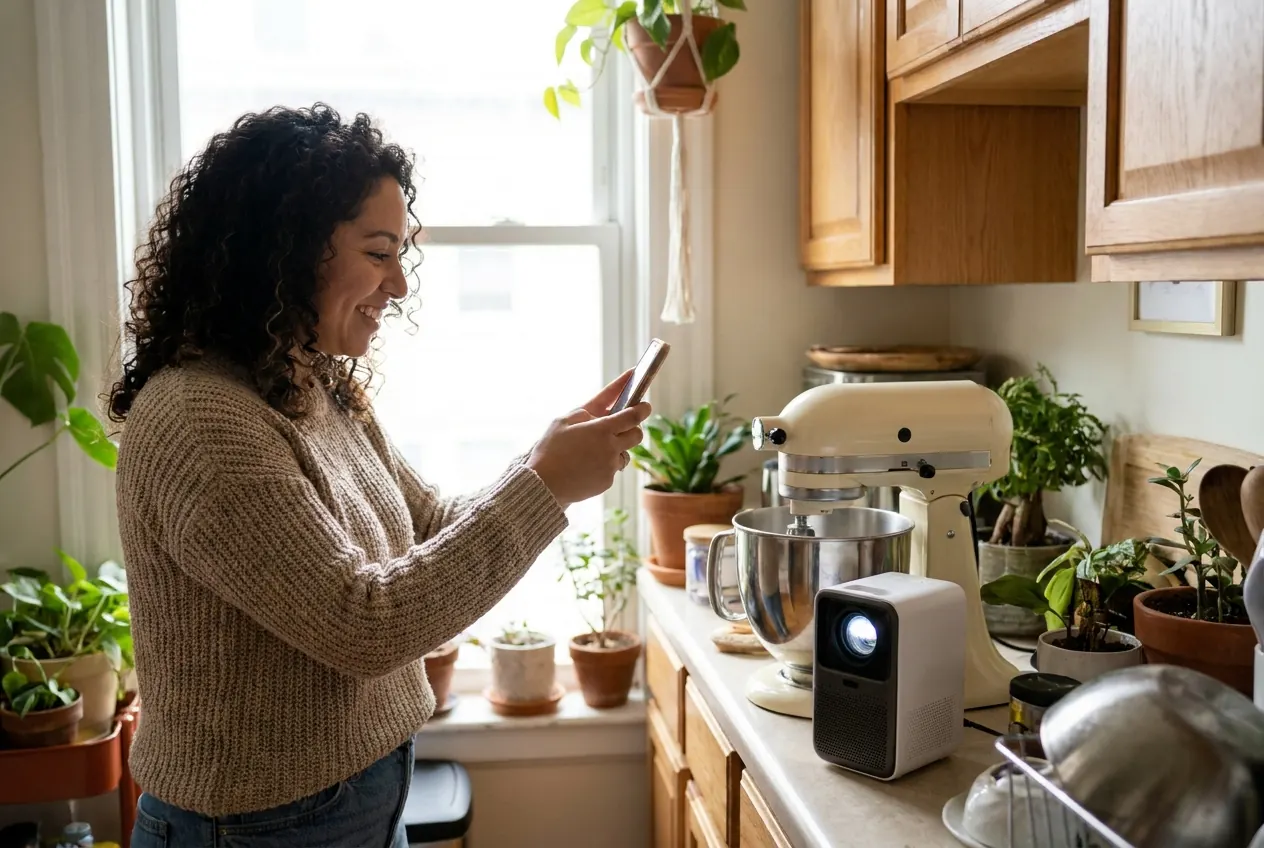
Turn things that sit in a closet or garage into a possible source of extra income.
Set your price and decide which rental requests to accept.
Give people nearby a way to use what they need without buying it.
Owner guide
In the app, add clear photos from several angles, a descriptive title, the item's condition, and anything a renter should know, like included accessories or usage notes.
Choose a rental price that feels fair for the item and your area. Looking at the item's value and how similar items are priced can help. You can update your price at any time.
If you own more than one of the same item, such as folding chairs or tables, set the quantity available so renters can request the number they need.
When a renter sends a request, review the dates and details and respond promptly. Use in-app messaging to ask questions before accepting.
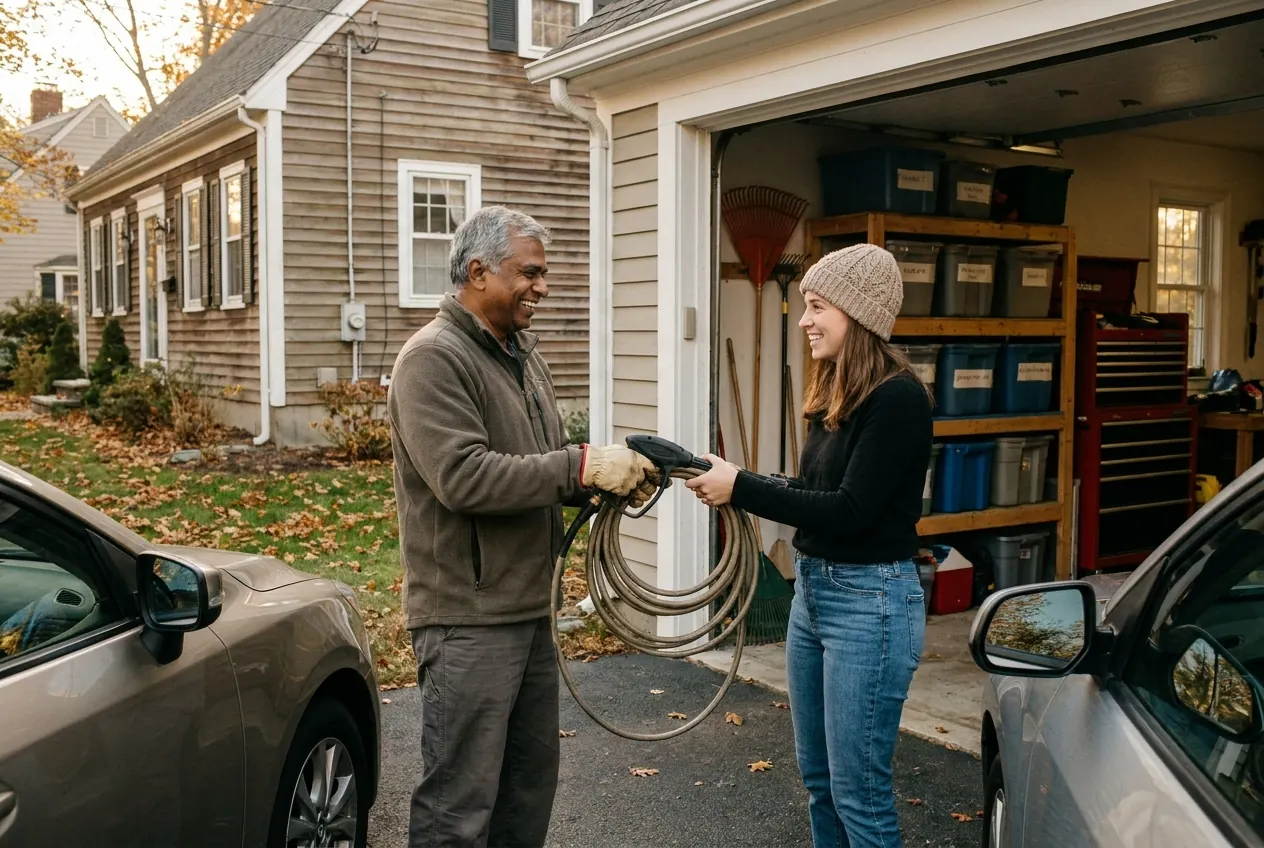
Keep track of upcoming handoffs and returns in the app. Check the item's condition at handoff and at return, and keep communication in the app.
Download the Chartrflex app, create your account, and add your first listing. Start with one or two items you rarely use.
Download the Chartrflex app to create your account and publish your first listing.
Available on iOS & Android